
For paver lead photos, ask for a wide view of the work area, a closer view of what the person wants changed, and a view of the way into the space. Ask what each photo shows. Use the photos to plan the next step. Do not treat them as a final scope or price.
This guide is for paver firms that buy or book leads. It gives you a simple photo request to discuss with your lead provider. It is a suggested process, not a claim that every provider collects these photos.
Start with the work the person wants
Before you ask for photos, ask what the person wants done. Do they want a new patio, a change to an old drive, or work on pavers they have now?
Keep their words with the photos. A picture of old pavers does not tell you if the person wants new ones, repairs or a clean and seal. Check the request before you book the wrong kind of visit.
Use this guide to match paver installation and sealing leads. It covers job fit. The photo steps here help you see what the person is talking about once that request is clear.
Ask for three useful paver lead photos
Keep the request short. Do not turn it into a long task the person must finish to speak with your team.
| View | What to ask for | What to note |
|---|---|---|
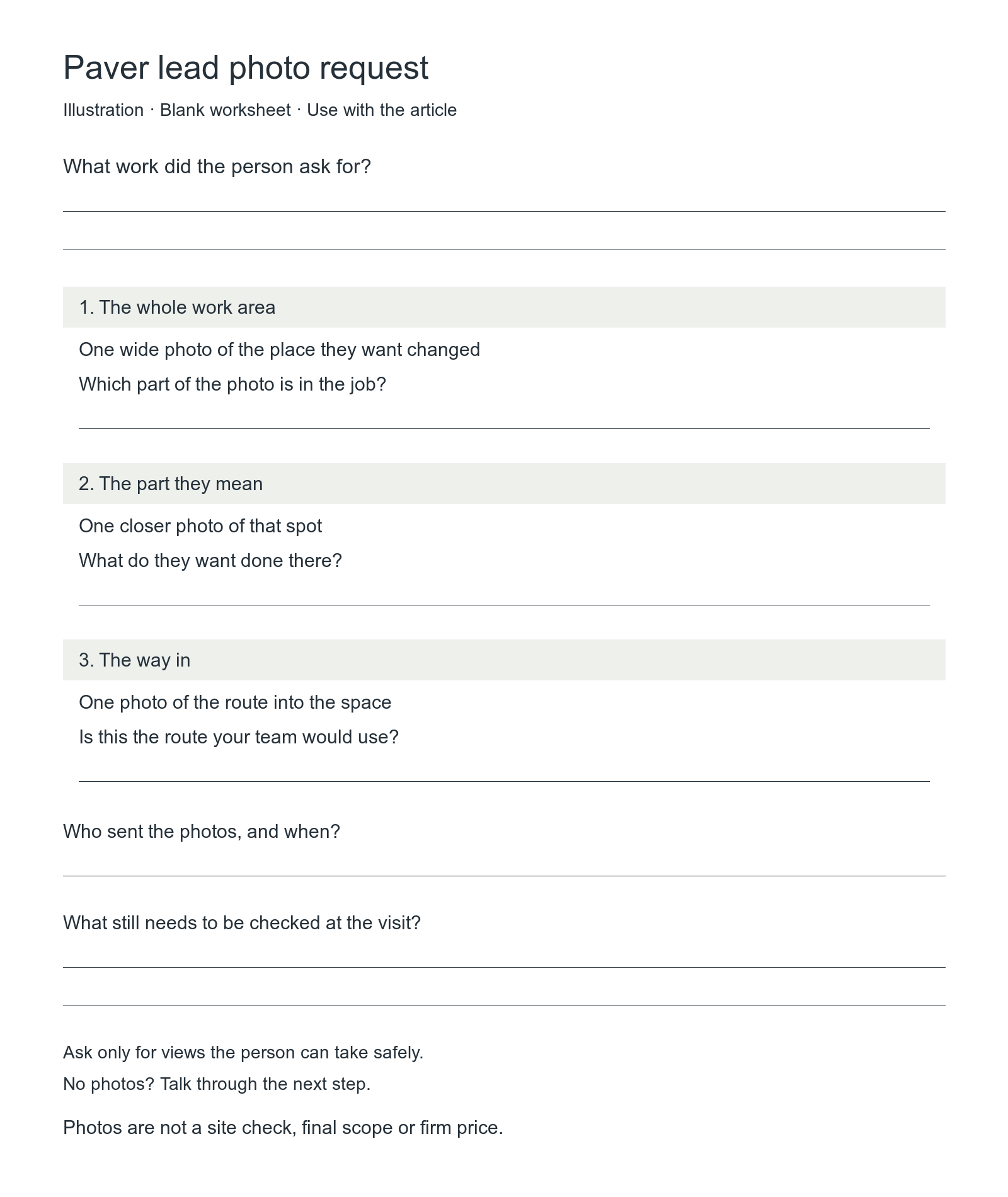
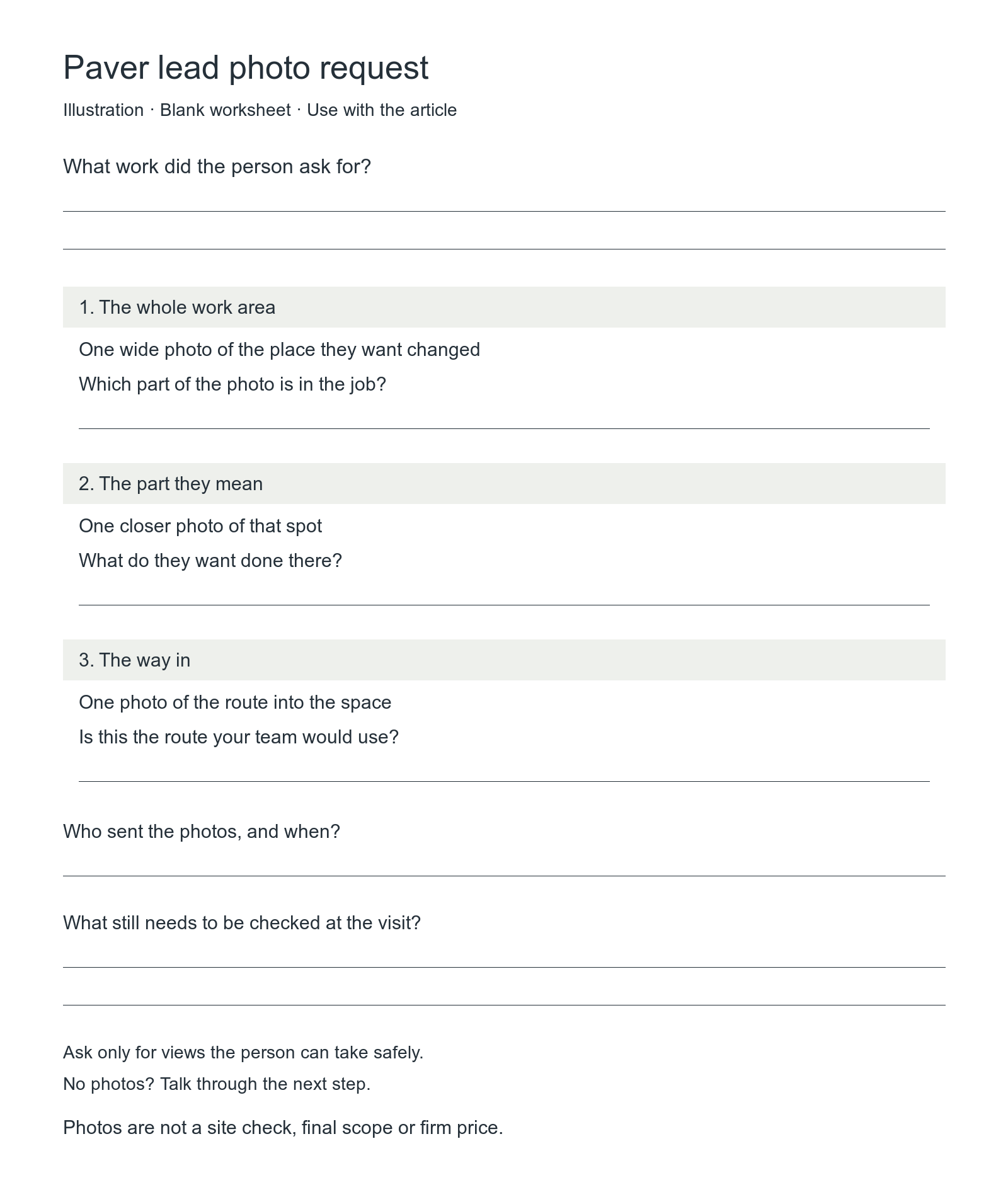
| The whole work area | One wide photo of the place they want changed | Which part of the photo is in the job? |
| The part they mean | One closer photo of that spot | What do they want done there? |
| The way in | One photo of the route into the space | Is this the route your team would use? |
Here is a short request you can adapt:
“Can you send a few photos of the space? One wide view, one of the part you want changed, and one of the way in would help. Tell us what each shows. If you cannot send photos, let us know. We can talk through the next step.”
Ask only for views the person can take safely from where they are. They do not need to move heavy items or enter a road for this request. Ask them to leave people and private details out of the frame where they can.
Keep the limits beside the photo
A photo is part of the lead notes. It is not a site check. Do not promise a firm price or final work plan from this suggested photo set.
Record what the person said apart from what your team has checked. “The owner says this is the work area” is clear. “Full scope checked” says more than that.
Use these notes with each set:
- What work did the person ask for?
- Who sent the photos, and when?
- Which spot does each photo show?
- What still needs to be checked at the visit?
If you cannot tell where a photo was taken, ask. If you do not know when it was taken, mark the date unknown. Do not fill in missing facts to make the lead look ready.
When the photo shows a different area
Ask which area the person wants help with now. Do not reject the lead or change the job note just because the photo and the latest request do not match.
This is a made-up example. The lead has a photo marked “back patio.” The new message asks for a quote for the front path. You do not know when the photo was taken.
You could ask:
“The photo we have is marked back patio. Your new message asks about the front path. Do you want a quote for the path, the patio or both?”
In this example, the person replies, “Just the front path. I sent the patio photo by mistake.”
| Before the reply | After the reply |
|---|---|
| Photo marked back patio; date taken unknown. | Homeowner says this photo is not the work area for this request. Date taken is still unknown. |
| New message asks about front path; job area needs a check. | Homeowner wants a quote for the front path only. |
| No matching photo of the path. | Still no path photo. Ask for one if they can send it safely, or talk through the next step. |
Keep the earlier note and record when the person cleared this up. Mark the patio photo so the person giving the quote does not use it as the job area. A new message date does not tell you when a photo was taken.
If the person has not replied, leave the work area marked “still to check.” If they want both areas, keep a line for each. A clear photo label does not prove the job fits your crew or that a visit has been booked.
Make photos easy to find before the visit
Ask your lead provider where the photos will go. Your team should know which lead they belong to and how to open them before a visit. Agree who checks for a missing file or a link that does not work.
Keep one set of notes for that lead. If the person sends a new photo or changes the job, note the change and its date. Make sure the person who will give the quote can see it.
Ask before passing photos to someone else. Use your agreed business process for sharing them. Do not post a lead's photos in ads or on your site just because they sent them for a quote.
No photos? Keep the next step clear
Missing photos do not tell you whether a lead is good or bad. Ask what help the person needs. Check whether the job and town fit your team. Then decide what you need to know before you can agree on a visit.
Do not mark a visit booked just because photos arrived. Check the time with the person. A photo, a booked visit and a job won are three different things.
Before you buy more leads, agree on the photo request and who will check the files. Start with the paver appointment service to review fit. Read how appointment delivery works for the service steps. Ask which photo steps are included in your own plan rather than assume they all are.
For paver lead photos, keep the goal simple: give the person who will quote the job a clear view of the request and a short list of facts still to check.