
Plan HVAC appointment capacity around the estimator who can attend, the work already promised and the time needed between visits. An empty calendar box is only a candidate window until someone checks those constraints. Start with the week your team can support, then decide which windows to offer.
Use the worksheet to record the visit requirements and the scheduling decision for each candidate window.
Separate estimate availability from installation availability
An estimate visit and an installation use different parts of the schedule. Even when the same person handles both, being available to discuss a replacement does not establish an installation date.
Keep two questions separate: who can attend the estimate, and who can confirm the work schedule if the customer proceeds? Record an installation date only after the person responsible has confirmed it. Avoid allowing a tentative estimate window to imply a promise about when work can begin.
Also distinguish the kind of visit requested. A service call, a diagnostic appointment and a replacement estimate should not automatically share the same scheduling assumptions. If the request is unclear, resolve that question before assigning the window. The HVAC appointment page is a starting point for discussing the appointment scope with ServiceConsulting.
Build HVAC appointment capacity from existing commitments
Choose the estimator first. Mark that person's existing appointments, time away and other responsibilities. Then assess the spaces that remain.
For each candidate window, ask:
- Can this person cover the requested area that day?
- What travel allowance does the route need before and after the visit?
- What visit duration does the team consider appropriate for this request?
- Is preparation or follow-up time needed around it?
- Does another person need to attend or confirm access?
- Is the time genuinely open, or already being discussed with another customer?
Use your team's route knowledge and operating records to choose the allowances. There is no universal duration in this worksheet. Where the information is missing, mark the window for review instead of filling the gap with a convenient assumption.
Copy this estimate-window worksheet
Keep one row for each candidate window:
| Field | What to record |
|---|---|
| Date and time zone | The day and local time used for the appointment |
| Estimator | The person expected to attend |
| Requested visit | The purpose of the visit, with unclear details flagged |
| Area | The location needed to assess the route |
| Existing commitments | The appointments or responsibilities around the window |
| Time allowances | Visit, travel and other time chosen by the operator |
| Status | Candidate, held for a customer, confirmed or unavailable |
| Next action and owner | Who must resolve the remaining question |
| Last checked | When the row was compared with the current calendar |
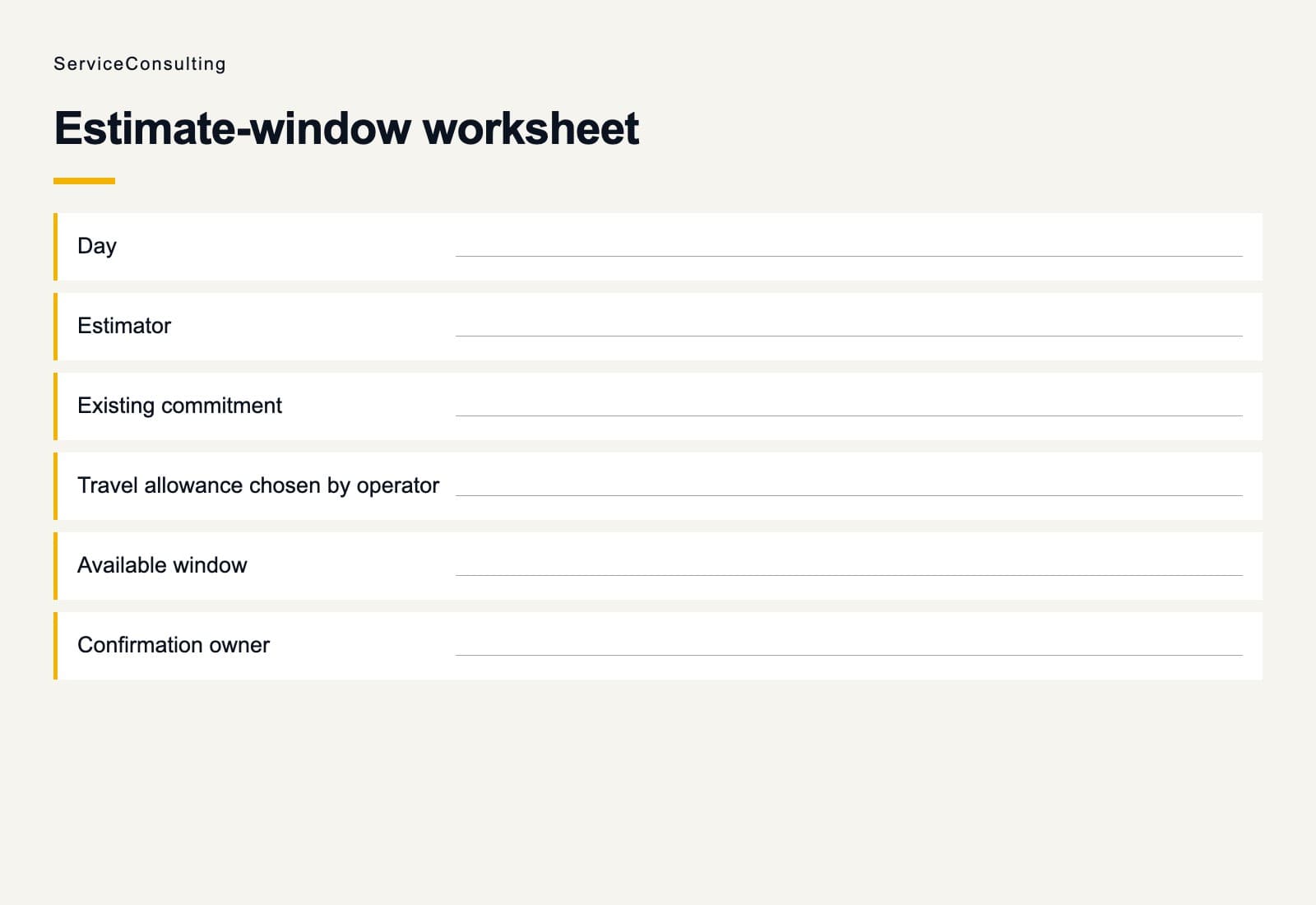
Choose one calendar as the booking source of truth. If this worksheet is separate, use it to make the decision and then reconcile it with that calendar. Do not leave two independently editable lists presenting the same time as available.
Resolve the questions before offering a window
Review the candidate window with the person responsible for the calendar:
- Is the address available so the route can be checked?
- Has the estimator confirmed availability around existing commitments?
- Do the requested visit, access arrangements and time allowances fit?
- Is anyone already holding this window for a homeowner?
- Who will confirm the appointment and update the calendar?
Leave unresolved windows at candidate status. Record the missing detail and who will obtain it. Offer the window after the responsible person has checked the requirements.
When a homeowner chooses a window, update the calendar and the worksheet's status together. Decide who owns the hold and when that person will review it. Keep the window's status visible while confirmation is unresolved.
Recheck the window when circumstances change
A cancellation, changed address or estimator absence creates a new scheduling decision. Check the affected visit and its neighbors before reopening a window. If the appointment moves, keep the old and new time connected to the same request so the team can see what changed.
Before accepting additional appointment delivery, review the open windows with the person responsible for attending. Bring that confirmed availability into the appointment-process discussion, alongside the trade and area you can serve.
The next step in planning HVAC appointment capacity is practical: complete the worksheet for the coming week, resolve the uncertain rows and offer only the windows your team has checked.